
Design Pickle has been around long enough to earn a solid reputation in the “unlimited design service” space. But in 2026, the platform looks very different than it did a few years ago—and the question most businesses ask today is simple:
Is Design Pickle still worth the subscription? Or are you better off hiring freelancers, in-house designers, or exploring Design Pickle alternatives?
After going through the new pricing model, workflow, features, speed expectations, and user experiences, here’s a detailed, practical, and honest review that helps you decide whether this graphic design tool fits your team or not.
What Exactly Is Design Pickle?
 At its core, Design Pickle is a subscription-based creative service that gives you access to a vetted design team that handles everything from:
- Social media graphics
- Ad creatives
- Blog banners
- Landing page assets
- Presentations & pitch decks
- PDFs & case studies
- Custom illustrations
- Video editing (higher plans)
You send requests → they design → you get drafts → request revisions → get final files.
The promise is simple: predictable design output without chasing freelancers or hiring in-house.
This matters if you’re someone who:
- Publishes designs multiple times a week
- Manages ads or content calendars
- Needs consistent, on-brand assets
- Wants scalable design hours without the hiring drama
However, if you only need 2–3 creatives a month, this is overkill. Design Pickle isn’t meant for occasional or one-off projects. It’s built for steady, recurring production work.
What’s New In 2026: The Builder Pricing Model
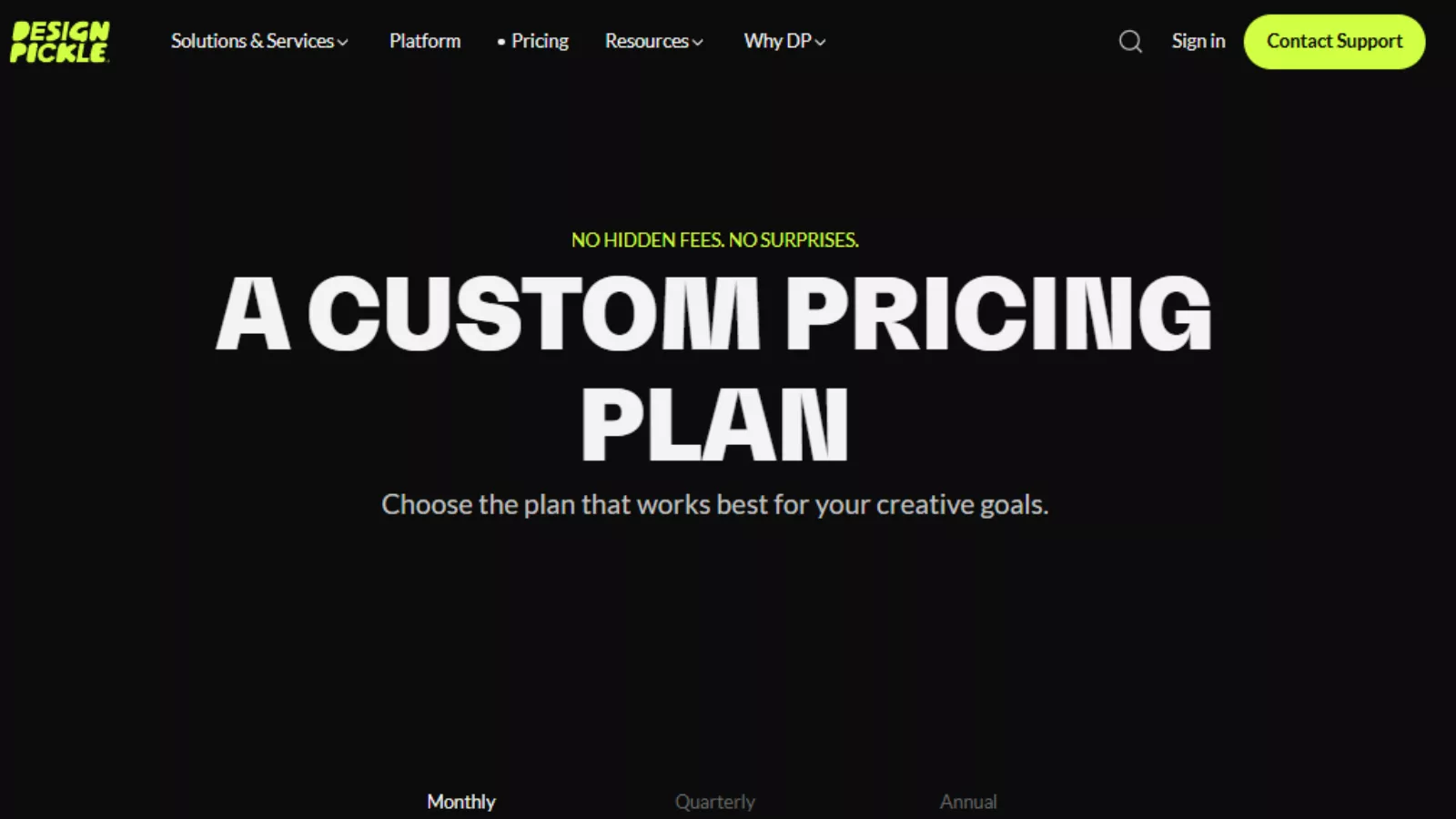 The biggest change—and easily the most confusing part for anyone revisiting the platform—is the new “Platform + Creative Hours” pricing system.
Instead of the old “Pro / Premium” tiers, the updated structure works like this:
1️⃣ You pay a base platform fee
This starts at $119/month (monthly billing) and includes:
- Your account
- The dashboard
- Request submission
- Brand kit uploads
- AI tools (Midjourney, Firefly, Artlist, etc.)
- File management
- Access to Figma, Canva, GSlides, PowerPoint, Adobe Suite
- Collaboration & review tools
2️⃣ Then you purchase daily creative hours
You choose how many hours you want their designers to work per day:
2 hours / 3 hours / 4 hours / 10 hours, etc.
For example:
A 2-hour daily plan costs around $1367 per month.
So your total monthly cost becomes:
$119 (platform) + $1367 (creative hours) = $1,486/month
If you pay annually, the price drops quite a bit—so budget-conscious teams usually choose annual.
Why daily hours matter
Design Pickle uses a simple speed calculation:
- A 10-hour task on a 2-hour plan → ~5 business days
- The same task on 10-hour plan → 1 day
More hours = faster output + ability to handle complex assets.
This is fair, but you must manage expectations. A tiny plan cannot deliver huge outcomes overnight.
How Fast Does Design Pickle Deliver?
Based on their help docs, training materials, and real user examples:
Typical turnaround times:
- First drafts: 12–48 hours
- Complex decks: several days
- Motion graphics or video edits: longer
- Large requests: based on your daily hours
You can submit unlimited requests, but the queue moves only as fast as your purchased hours.
This is one of the most misunderstood parts of Design Pickle.
You can queue 20 tasks at once, but if you only bought 2 hours/day, don’t expect a miracle queue burn. Your throughput remains 2 hours.
Clear expectations = smooth experience.
Workflow & Integration Experience
One of the strengths of this platform is its workflow design. It’s simple, predictable, and practical.
Here’s the typical process:
- Create your account
- Set up your brand kit (fonts, colors, examples)
- Submit your first request
- Add references, dimensions, and copy
- Designer sends a draft
- You leave comments or upload annotations
- They revise, finalize, and deliver files
Useful integrations include:
- Slack (most teams rely on this)
- Microsoft Teams
- Zapier (automated request creation)
- API access for custom workflows
You can push files to cloud storage, get updates in Slack, or automatically generate tasks from tools like Asana or Google Sheets.
This makes it easy to plug Design Pickle into an existing marketing workflow.
Quality & Consistency: What You Really Get
Design Pickle uses vetted designers who follow a standardized production process.
This gives you steady, reliable design quality—especially for:
- Ad creatives
- Social media posts
- Blog graphics
- Thumbnails
- E-book layouts
- Decks and PDFs
- Basic illustrations
This is not a creative director-level service. You’re not getting high-concept rebrands or award-winning bespoke artwork.
But for consistent on-brand marketing assets, the quality is genuinely solid.
Design Pickle also uses AI tools in the background to speed up parts of the workflow, but humans still do the actual designing. So don’t expect instant delivery just because AI is mentioned.
Where Design Pickle Shines (The Real Strengths)
 After reviewing the platform, these are the areas where Design Pickle delivers the most value:
✔ Perfect for teams that publish frequently
If you need content every day or every week, the ROI becomes obvious.
✔ Predictable costs vs hiring in-house
A full-time designer costs far more than a 2-hour daily plan.
✔ Really smooth workflow
Everything is structured—from briefs to revisions to file storage.
✔ Flexible scaling during launches
Need more hours for a product launch? Upgrade.
Done with the campaign? Scale down.
✔ Ideal for marketing teams, agencies, and content creators
Especially those juggling multiple design styles and formats.
If your brand kit is detailed and your briefs are clear, you’ll get excellent long-term value.
Where Design Pickle Struggles
To keep this review honest, here are the real limitations:
✘ Not meant for low-volume users
If you need only 1–3 designs per month, this is too expensive.
✘ Not ideal for advanced creative strategy
For rebranding, custom art direction, or conceptual campaigns—you need specialists.
✘ Same-day results are not realistic
The platform is fast but still human-powered.
✘ No refunds for creative hours
If the team already worked, that time can’t be reversed.
This makes sense, but users need to know upfront.
✘ Standardized design style
It’s polished and professional—but not boutique or agency-level conceptual.
For most marketing operations, these aren’t deal-breakers, but they’re worth keeping in mind.
Design Pickle Alternatives To Consider
If you’re evaluating this tool, it helps to compare with other subscription-based design services.
Here are the most common Design Pickle alternatives:
1. Penji
Affordable unlimited design with similar workflows.
Better for startups with simple needs.
2. Kimp
Offers both graphic + video under one plan.
Cheaper entry-level pricing than Design Pickle.
3. ManyPixels
Great for SaaS and tech companies.
Strong turnaround speed.
4. Graphically
Budget-friendly, good for social media teams.
Less consistent quality compared to Pickle.
Design Pickle generally wins on process, reliability, integrations, and designer quality, but alternatives may be easier on the budget.
Who Is Design Pickle Best For?
 After evaluating all the details, Design Pickle is a great fit if you:
- Need consistent design output
- Have a steady content or ad pipeline
- Want predictable monthly pricing
- Prefer a structured process over freelancer chaos
- Need multi-format design support (ads, decks, illustrations, video)
- Are okay with production-style graphics rather than creative-direction-heavy concepts
If that sounds like you, the platform will save you hours of coordination and make your design process smoother.
However, Design Pickle is not ideal if you:
- Only need a few graphics per month
- Expect agency-level conceptual design
- Are extremely budget-sensitive
- Want same-day unlimited revisions
Final Thoughts
Design Pickle’s new pricing model and workflow make it a strong, scalable solution for businesses that want dependable design production without hiring internally.
It’s not the cheapest option, and it’s not for one-time creative bursts—
but if you publish often, need structure, and want repeatable quality, Design Pickle delivers exactly what it promises.
Fresh FAQs
1. Does Design Pickle let me work with the same designer every day?
Yes. Once you subscribe, your requests typically get handled by the same assigned designer (or team, depending on your hours). This helps maintain consistency and reduces the learning curve. If you ever feel the designer isn’t a good match, you can request a replacement.
2. Can Design Pickle work with my existing brand guidelines?
Absolutely. You can upload brand kits—fonts, colors, logo variations, templates, and style references. Designers follow your brand kit during all projects, so your assets stay consistent regardless of who works on them internally.
3. Does Design Pickle create templates I can reuse?
Yes. Many businesses use Design Pickle to create reusable templates for social posts, ads, and internal documents. Once delivered, you can edit these templates in Canva, Figma, or Adobe tools depending on the file type you request.
4. What file formats can I request?
You can request almost any standard design format. Common outputs include:
- PNG, JPG, PDF
- Source files: PSD, AI, INDD
- Presentation files: Keynote, PowerPoint, Google Slides
- Figma & Canva-ready assets
- Just specify your preferred format when submitting a design request.