
Today, the creative industry is filled with tons of AI-powered logo makers that not only facilitate and simplify the design process for both experts and non-designers but also provide complete branding solutions at a fraction of the traditional cost.
Among these tools, Design.com and Logopony stand out as two popular options; however, they take very different approaches when it comes to features, pricing models, and quality of the provided results.
Keep reading to find out what kind of peculiarities each tool offers and which one is a better choice for your specific needs and goals.
Quick Platform Overview
| Platform | Quality | Quantity | Speed | Editing | Pricing |
| Design.com | Professional, high-quality logos, exclusive fonts, icons, and designer-made assets | 400K+ logo templates,
1M+ total design templates |
Instant. No additional questions | Chat-based AI editor, AI-powered logo text & icon editing | A wide range of free templates + subscription plans at only $3/mo |
| Logopony.com | Clean, modern logo templates | Thousands of logo variations | Medium. A few fields must be filled in | Basic editor for fonts, icons, layouts | One-time payment starting at $15 |
Design.com
Design.com is the #1 logo maker in the world, with the largest number of design templates and advanced AI features. It offers flexible pricing options, high-quality templates, and stands out as a comprehensive tool for building a full visual identity.
Pros
- AI + human touch approach
- 50+ branding assets
- 525+ exclusive fonts, 62k custom vector shapes
- Multiple export options
- Automatic template branding
- AI-powered logos, presentations, flyers, social media posts, etc
- Fully customizable templates
- Extended logo licenses
- A wide range of free logo templates, business cards, and more
Quality & Free Offering
- Professionally designed logo templates for exclusive results
- Full commercial safety for designs
- No design skills required to get high-quality logos
- Logo prints on mugs, t-shirts, cups, with free delivery
- High-resolution export options (vector, raster, animated files + icon-only option, etc.)
- A free website builder, link-in-bio creator, and digital business card maker, all 100% free to publish
- A free logo download gives access to 50+ design tools
Logo Creation Speed: What to Expect
- Design.com provides thousands of logo concepts instantly
- The platform produces logo variations based on the business name/inserted keywords
- No additional steps are required, such as choosing colors, style, fonts, etc.
- All the editing (regarding color, icons, and more) is done after choosing the desired logo template
Pricing Structure
- Premium Logo Pack: $3/mo billed annually
- High-res & vector downloads
- No cancellation fee
- Additional branding assets
- Premium Logo Pack + Website: $4/mo billed annually
- High-res & vector downloads
- No cancellation fee
- 50+ design tools
- Unlimited changes
- Website
- Premium Logo Pack + Website + More: $5/mo billed annually
- High-res & vector downloads
- No cancellation fee
- 50+ design tools
- Unlimited changes
- Website, digital business card, link-in-bio
Logopony.com
Logopony takes a different path. While Design.com is everything to everyone, Logopony focuses on one thing: creating logos quickly and simply.
Pros
- Hundreds of logo templates per input
- Various logo concepts
- Basic AI customization tools
- Customizable design elements
- Unlimited edits after purchase
- A beginner-friendly interface
- A logo design preview
- Logo templates for different industries
Quality & Free Offering
- Amateur quality logos
- Production-ready files
- Multiple download options for web and print use
- Logo generation at no cost
Logo Creation Speed
- No instant logo generation
- A few steps are required to see the templates
- The platform generates logos based on the company name + preferred logo style, icon & colors
Pricing Structure
A one-time payment method across all plans
- Basic: $15/per logo file
- Low-resolution downloads
- Lifetime access
- Premium: $45
- 30+ high-resolution files
- social media kits
- PNG files
- Logo resize tool
- Additional branding assets
- Business: $60
- Everything in the Premium package
- Create & download 10 logo files
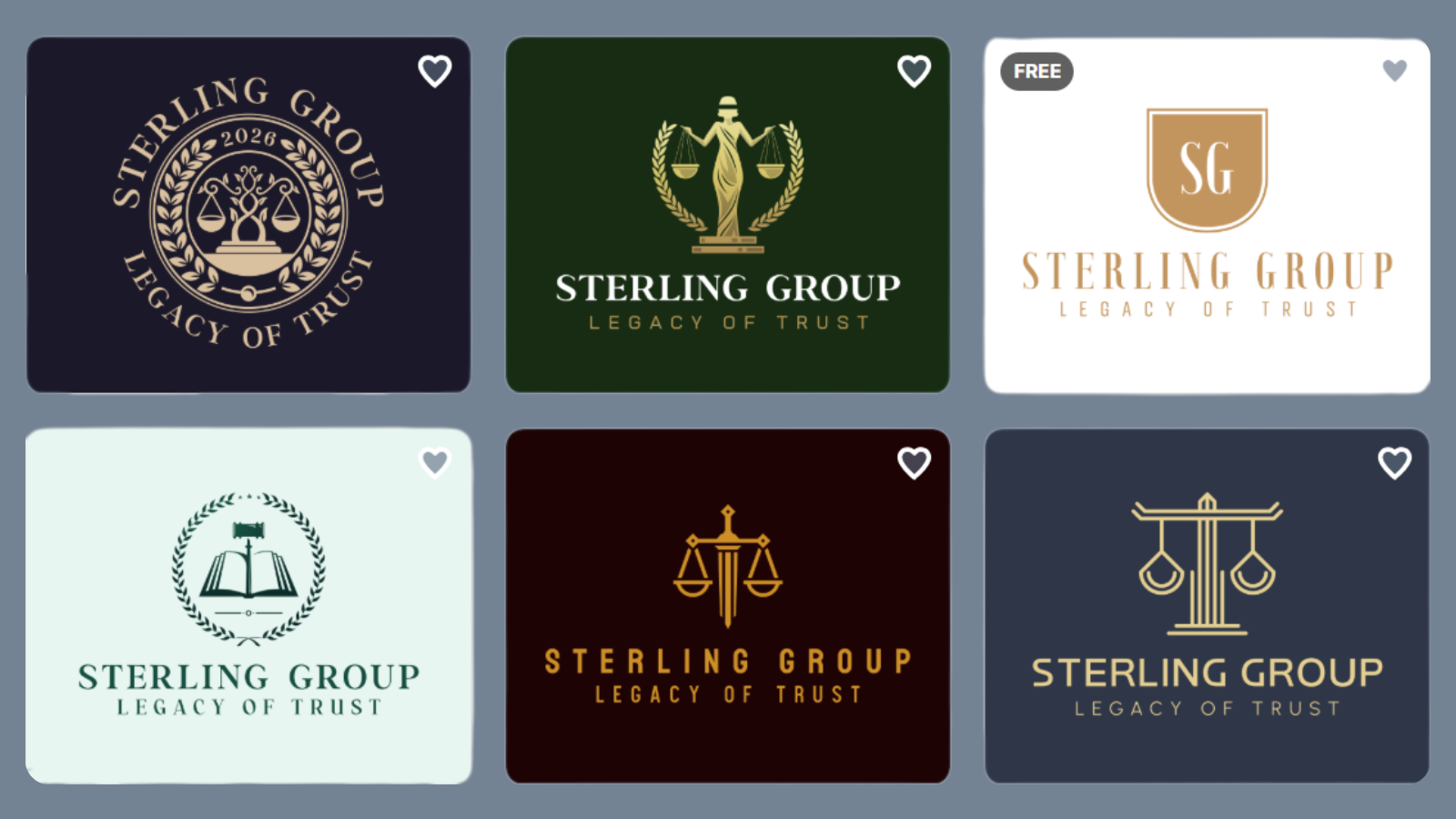
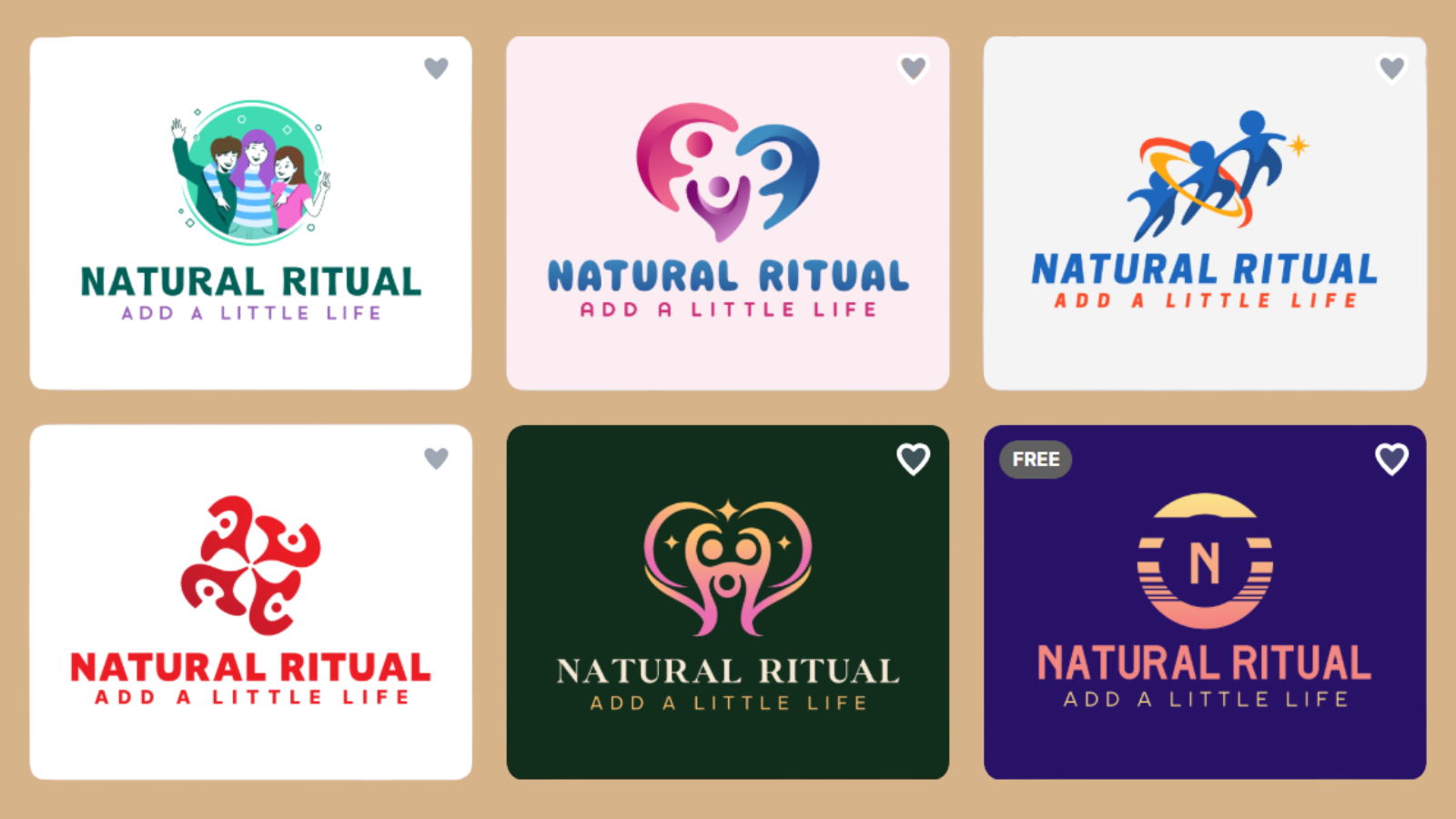
Logo Samples by Design.com
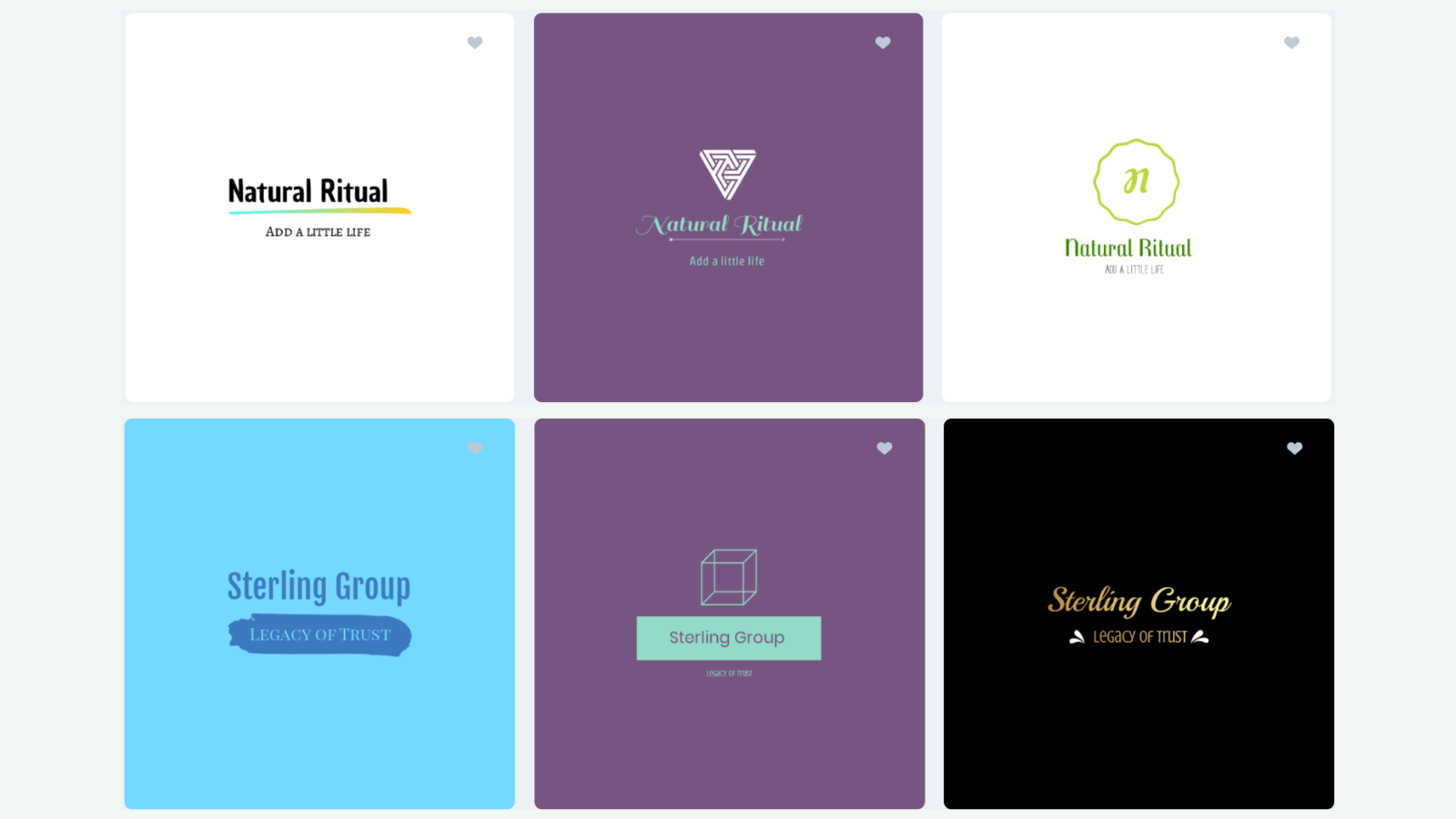
Logo Samples by Logopony.com
Which Tool Fits Your Needs the Best?
The choice between Design.com and Logopony comes down to your specific situation.
Design.com makes sense if you’re building a brand from scratch and need ongoing design support. The platform grows with your business, start with basic logos, expand into full marketing materials as needed.
Logopony is good in terms of simplicity and minimalist logo designs. Launching a side project this weekend? Logopony delivers results without the learning curve. The wide selection means you’ll find something that works, even if you can’t articulate exactly what you want.
If you need regular design work beyond that initial logo, Design.com’s ongoing access will provide better value. Consider how often you’ll need design updates before committing to either modelս
Final Thoughts
Both platforms deliver on their core promise: professional logos without professional designers. Design.com offers more tools and flexibility for businesses that need ongoing design support.
For entrepreneurs, small business owners, and anyone who measures design time in minutes rather than hours, both tools offer compelling solutions. However, Design.com clearly stands out in terms of quality, flexible pricing packages, and an advanced editing toolset.
Choose based on your immediate needs and long-term design plans.