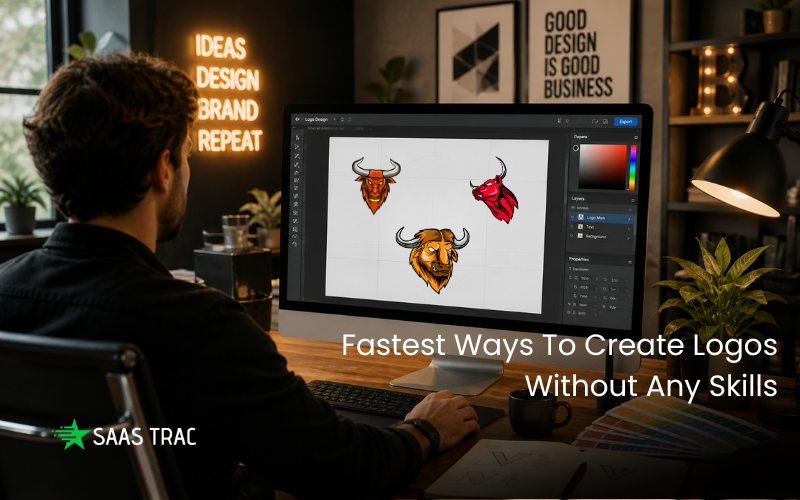
Creating a logo used to require design experience, expensive software, or hiring a professional. Today, that’s changed. Modern tools can generate clean, professional logos in minutes, even if you’ve never designed anything before.
I tested several platforms to find the quickest and easiest way to create a logo without any design skills. The goal was simple: minimal effort, good results, and a quick turnaround.
The Fastest Way To Get A Logo
If speed, simplicity and final logo quality matter, the best tools share a similar pattern. You enter your business name, choose a style, and the platform instantly generates ready-to-use designs. The difference comes down to how polished those results are and how much editing you need to do afterward.
Design.com
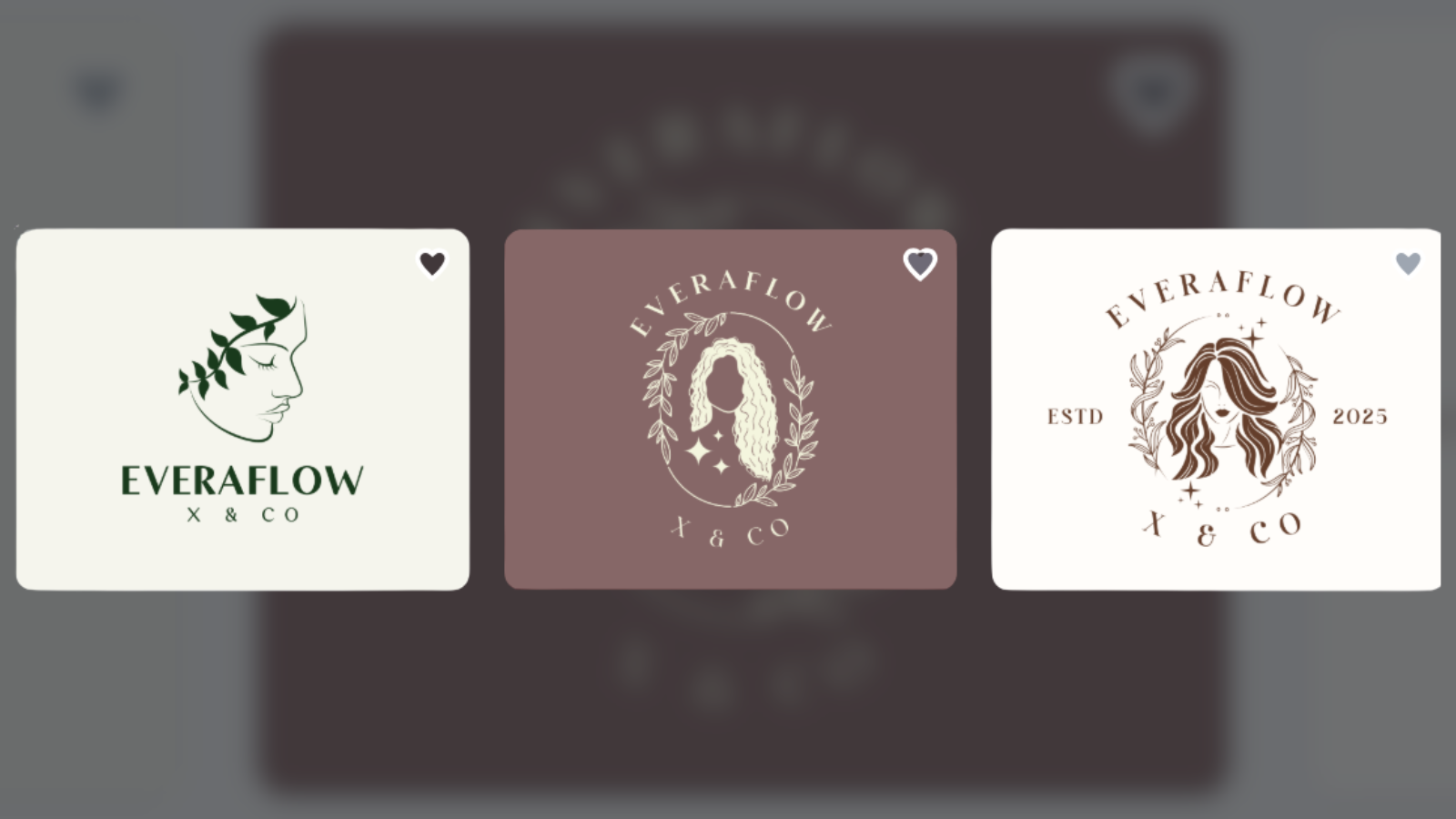
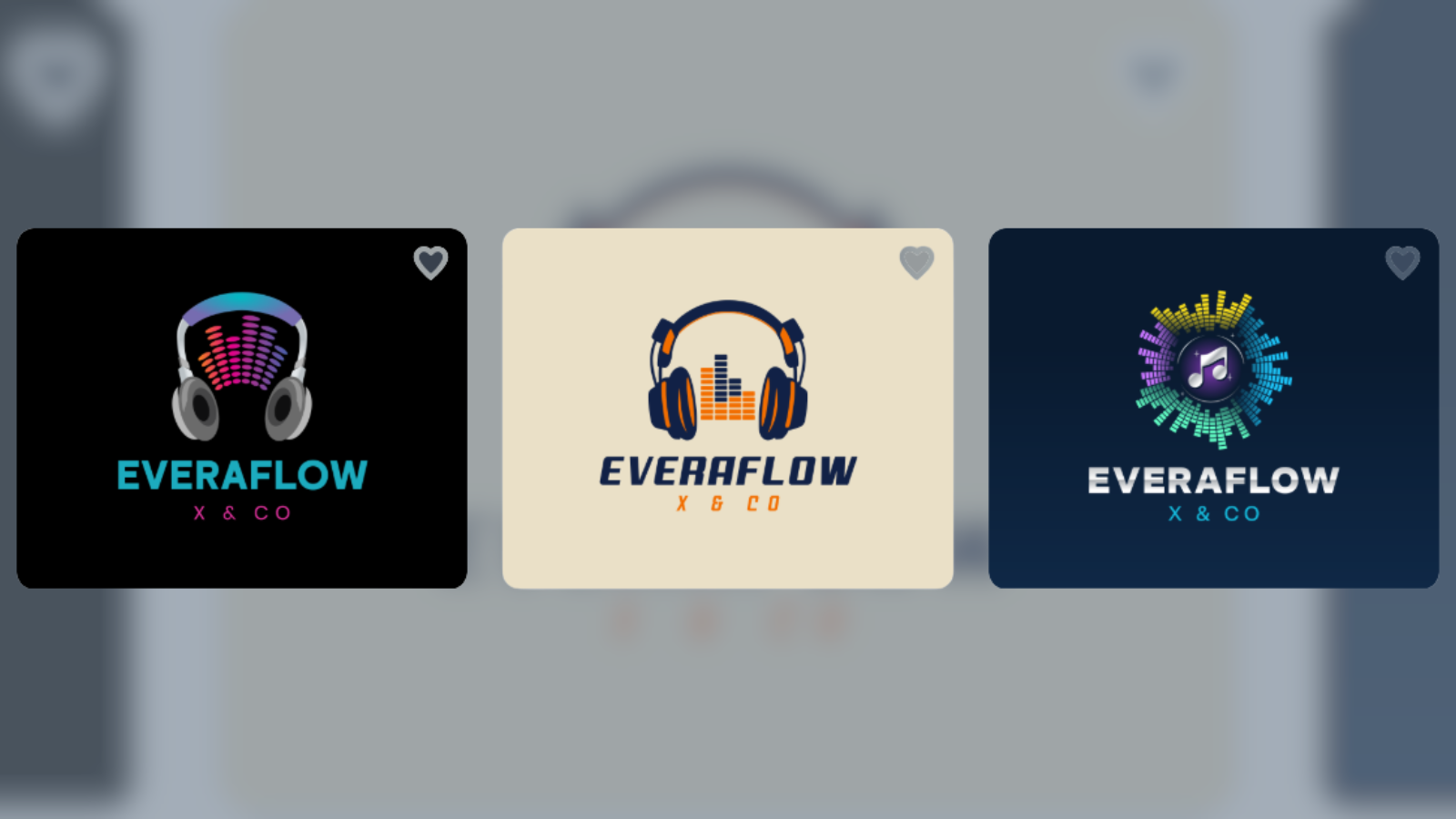
Design.com is the fastest option when you want a complete logo without putting much thought into design. It produces polished results instantly and applies branding rules automatically.
Key Wins
- Logo created in seconds with AI
- Clean, professional layouts by default
- 400K+ templates and strong visual consistency
- AI editing for text, icons, and styles
- Multiple export formats ready to use
- No design skills needed at all
Bonus Features
- Includes business cards, websites, and social media designs
- Full branding system beyond just logos
- Easy to scale into a full brand identity
Trade-Offs
Best suited for beginners and small businesses
This is the fastest way to get a professional logo with almost no effort. It’s especially useful if you want everything done for you.
BrandCrowd
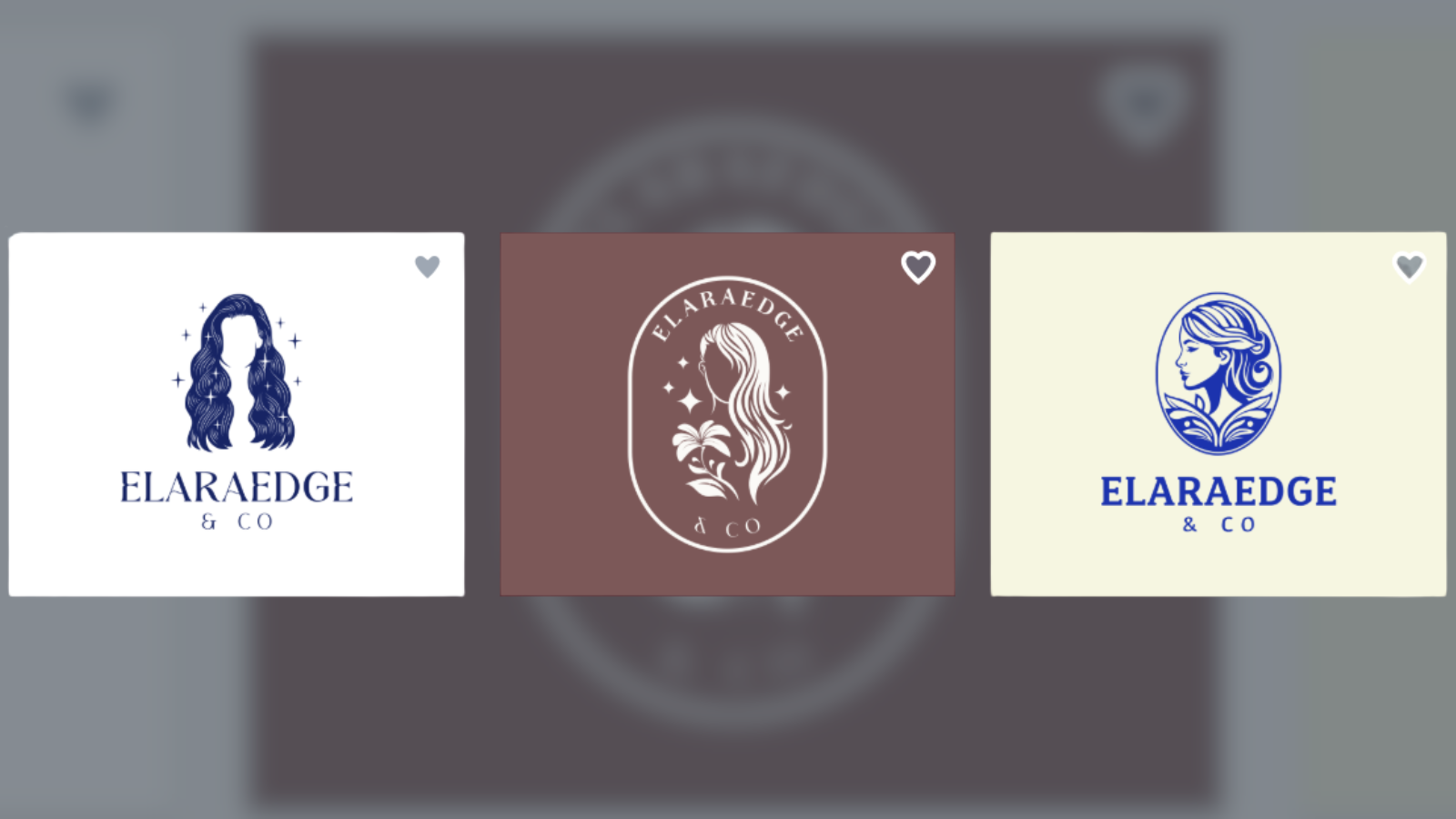
BrandCrowd offers a fast, template-driven approach to logo creation. It balances speed with a bit more control, making it easy to refine designs.
Key Wins
- Large library of ready-made logo templates
- Fast AI-powered logo generation
- Clean and consistent design styles
- Easy customization tools
- Multiple export options
Bonus Features
- Works across branding assets like business cards and social media
- Extended licensing options available
Trade-Offs
- Subscription needed for full access
- Customization is somewhat limited
This is a fast and reliable option for creating professional logos with minimal effort. It’s especially useful if you want quick results while still having some flexibility to refine and personalize your design.
Canva
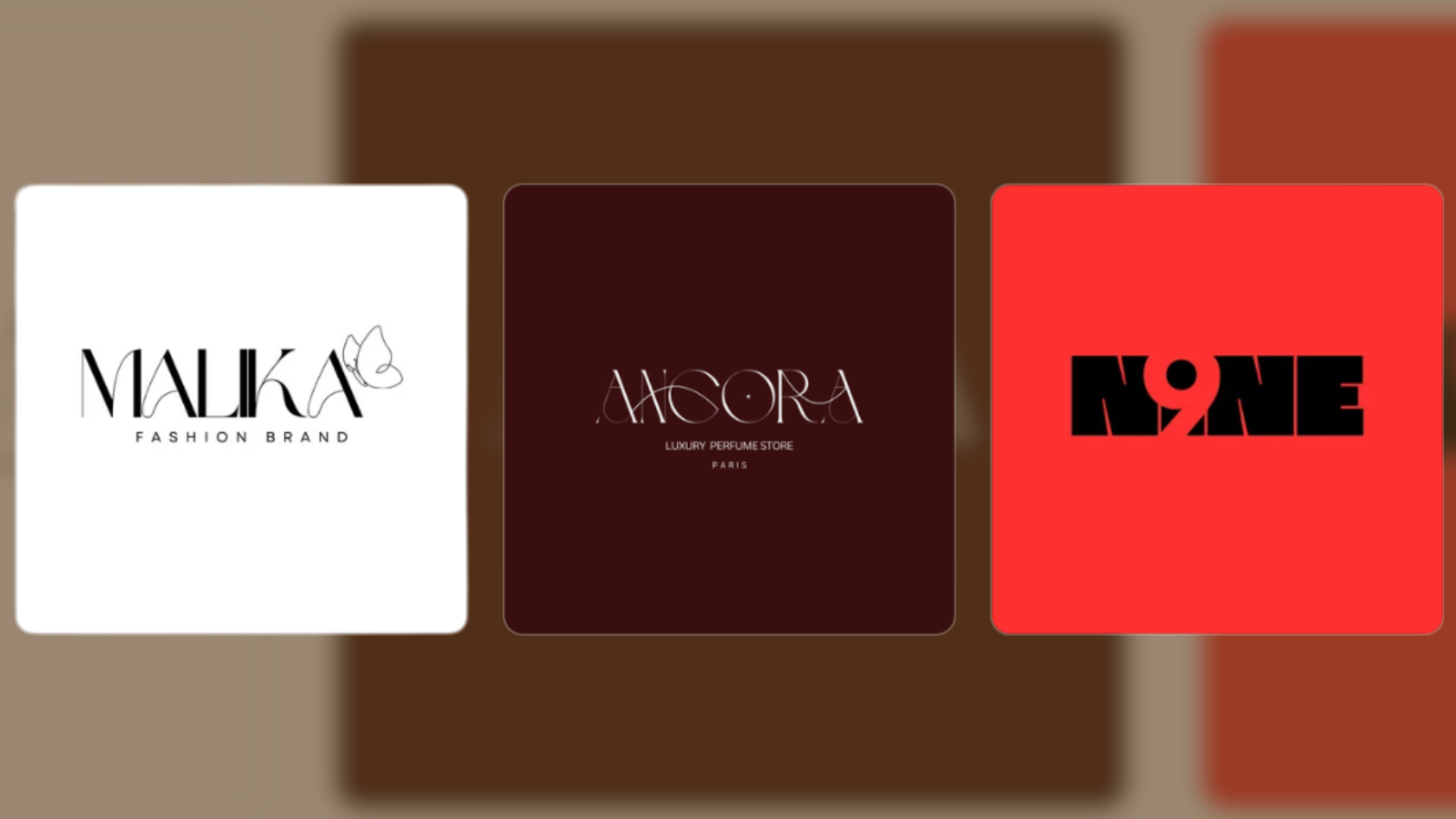
Canva is one of the most popular design tools, known for its simplicity and flexibility. It gives users more control while remaining easy to use.
Key Wins
- Drag-and-drop editor with simple controls
- Large library of templates and elements
- Easy customization of colors, fonts, and layouts
- Beginner-friendly interface
Bonus Features
- Includes tools for presentations, social media, and more
- Free version available
Trade-Offs
Lightweight collaboration features
This is great for beginners who want control while keeping things simple. It’s a strong choice if you enjoy customizing your design while working within an easy, intuitive interface.
LogoMakr
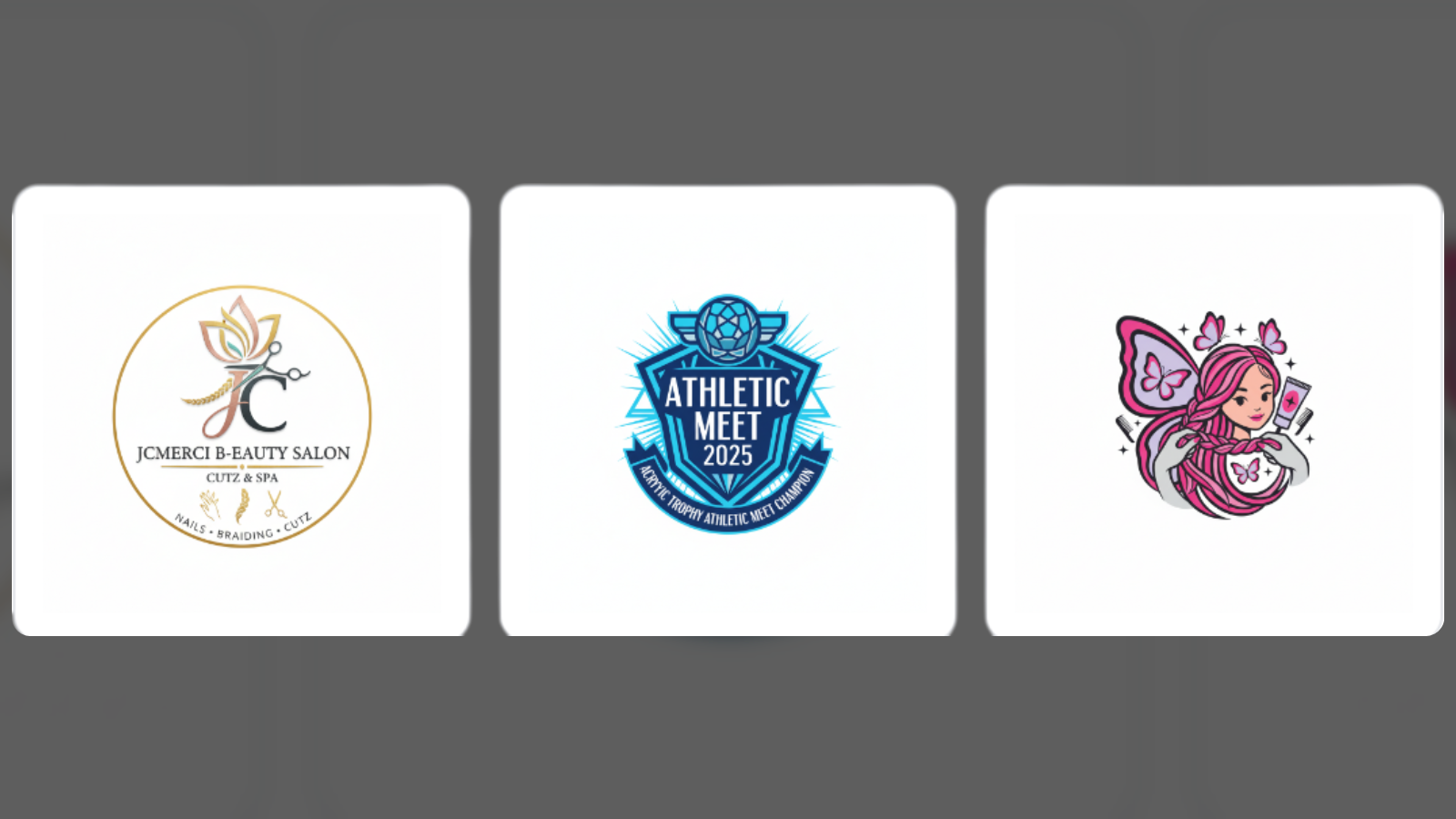
LogoMakr is a user-friendly tool that gives you complete control over your logo design. It is suitable for beginners while allowing for hands-on editing.
Key Wins
- Drag-and-drop logo editor
- Large icon and graphic library
- Flexible customization
- Easy-to-use interface
Bonus Features
- Great for trying out different ideas
- No complex setup required
Trade-Offs
- No AI assistance
- Takes more time to create a polished logo
Best for users who want to build their logo step by step.
Which Tool Should You Choose?
Here’s a quick guide based on your needs:
- Design.com – Fastest, most automated logo creation
- BrandCrowd – Fast templates with easy customization
- Canva – Best for simple, hands-on design control
- LogoMakr – Best for manual logo building
- Adobe Express – Balanced option for quick design and flexibility
Quick Feature Comparison
| Tool | Speed | Ease of Use | Design Quality | Best For |
| Design.com | Very fast | Very easy | High | Instant branding |
| BrandCrowd | Very fast | Very easy | High | Template logos |
| Canva | Fast | Very easy | Medium–High | Beginner design |
| LogoMakr | Medium | Easy | Medium | Manual control |
Final Summary
If you have no design skills, the fastest way to create a logo is to use AI-driven platforms that handle layout, balance, and styling automatically. These tools remove the need for manual design decisions and produce ready-to-use results in seconds.
Platforms like Design.com and BrandCrowd make the process especially simple by combining speed with structured, professional outputs. Meanwhile, tools like Canva and LogoMakr are better suited for users who want a bit more control, even if it takes slightly longer.
In the end, the best choice depends on how much effort you want to invest; instant results or hands-on creation.
FAQ
Can I create a logo without design skills?
Yes. Tools like Design.com and BrandCrowd automatically generate professional logos.
Which tool is fastest?
Design.com is the fastest. It creates logos in seconds using AI.
What’s the difference between AI and template tools?
AI tools generate logos instantly, while template tools let you customize existing designs.
Can I edit my logo later?
Yes, most platforms allow full editing after you create your logo.
Do I own my logo?
Usually, yes, with paid plans, but always check the platform’s license terms.